by admin | 13/11/25 | IT Support
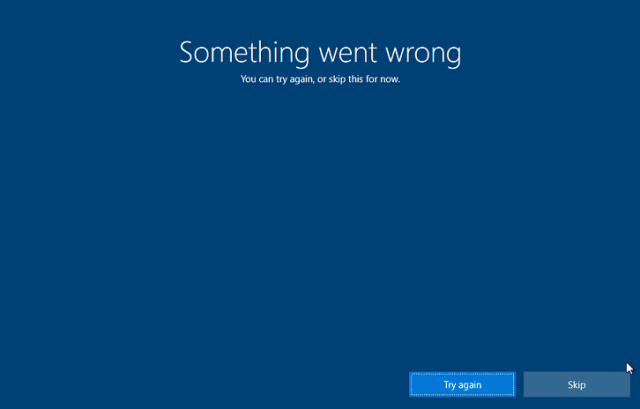
The OOBEEULA error sometimes occurs on startup following a machine reset and can be resolved by making changes to the device’s registry. 1. At the blue OOBEEULA error screen press Shift + F10 keys together to bring up the command prompt window. Some...
by admin | 07/08/23 | IT Support
There are certainly good reasons for keeping your PC/Laptop clean and up-to-date. You don’t want software that doesn’t receive updates, or is not correctly licensed (well, you may want hooky software, but you shouldn’t of course!); software which...

by admin | 14/12/21 | IT Support
Today, whilst we have benefited from advances in tech which mean that we have 24-hour access to our bank accounts at our fingertips, and use contactless payments for most transactions, digital breakthroughs such as these also sadly mean that there have been advances...

by admin | 15/11/21 | IT Support
Post-2021 and its upheavals, it is thought that many of us may remain working from home for the foreseeable future, or that some will only venture back into the office part time. This works well for many people, but what should you be doing to keep your employees’...

by admin | 14/10/21 | IT Support
Given that the way we live our lives has drastically changed over the past year due to the global pandemic, it follows that this period of uncertainty will have taken its toll on employees’ well-being, as well as their mental health. Since we all spend much of our...

by admin | 14/09/21 | IT Support
Tech can both help and hinder work productivity.The distractions of smartphones and other devices are real, but IT can also be utilised by your clients and employees to get the most out of their working day. Here are ways to do just that. Keep tech up to date There’s...